
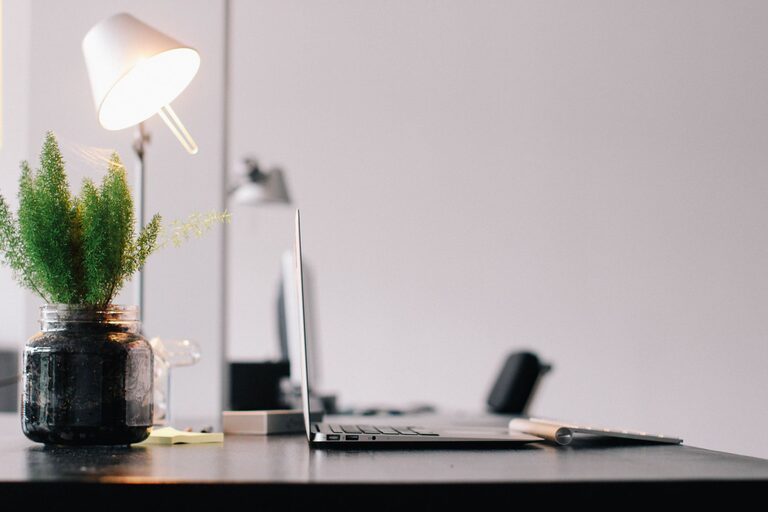
Creating a productive home office environment can make all the difference in how efficiently and comfortably you work. Whether you’re a remote employee, freelancer, or someone who occasionally works from home, a well-planned workspace helps reduce distractions, improve focus, and maintain a good work-life balance. Below are practical tips to help you design a home office that supports productivity and well-being.
Choose the Right Location
Start by selecting a space that suits your work needs. Ideally, this should be a quiet area away from heavy foot traffic, noise, and distractions.
– Separate room: If possible, use a dedicated room for your office. This helps mentally separate work from your personal life.
– Natural light: Try to position your desk near a window to enjoy natural light, which can improve mood and energy.
– Space and privacy: Ensure the area has enough room for your desk, chair, and any equipment you need. Privacy is important for phone calls and video meetings.
Invest in Comfortable and Ergonomic Furniture
Comfort plays a huge role in staying productive and preventing discomfort or pain.
– Ergonomic chair: Choose a chair with good lumbar support, adjustable height, and comfortable cushioning to maintain proper posture.
– Desk height: Make sure your desk allows your arms to rest comfortably with elbows at about a 90-degree angle.
– Proper monitor placement: Position your monitor at eye level, about an arm’s length away, to minimize neck strain.
– Footrest: Use a footrest if your feet don’t comfortably reach the floor.
Organize Your Workspace
A cluttered workspace can hinder focus and slow you down. Organizing your office helps keep your mind clear and work efficient.
– Declutter regularly: Keep only the items you use daily on your desk.
– Storage solutions: Use shelves, drawers, or filing cabinets to keep documents and supplies neatly stored.
– Cable management: Use clips or cable sleeves to prevent cords from tangling and distracting you.
– Desk essentials: Keep essential tools like pens, notebooks, and chargers within easy reach.
Set Up Adequate Lighting
Proper lighting reduces eye strain and helps maintain alertness.
– Combine natural and artificial light: Use adjustable desk lamps along with natural light sources.
– Avoid glare: Position screens perpendicular to windows if possible to prevent glare.
– Use soft, warm lights: These are generally easier on the eyes during long working hours.
Minimize Distractions
Creating boundaries between work and home life is key to staying focused.
– Noise control: Use noise-canceling headphones or white noise machines if ambient noise is an issue.
– Limit personal devices: Turn off notifications on personal devices or keep them out of reach during work hours.
– Set boundaries: Communicate your work hours to family members or roommates to minimize interruptions.
Incorporate Personal Touches
While keeping the workspace functional, adding personal elements can make your office feel welcoming.
– Plants: Adding greenery can improve air quality and reduce stress.
– Artwork or photos: Choose inspiring or calming images that motivate you.
– Color scheme: Use colors that help you feel energized yet focused, such as blues and greens.
Establish a Routine and Dedicated Work Hours
Consistency helps reinforce a productive mindset.
– Set work hours: Have clear starting and ending times for your workday.
– Breaks: Incorporate short breaks to stretch or move around regularly.
– Morning preparation: Begin your day with a routine that signals it’s time to work, such as a quick tidy-up or a cup of coffee.
Utilize Technology and Tools Wisely
Using the right tools can streamline your work and increase efficiency.
– Reliable internet: Ensure your internet connection is strong enough for video calls and transfers.
– Productivity apps: Consider task managers, calendar apps, and note-taking software to keep organized.
– Backup and security: Protect your data with regular backups and secure passwords.
Maintain Good Air Quality and Comfortable Temperature
Indoor air quality and temperature can impact your focus and health.
– Ventilation: Open windows when possible or use air purifiers to keep the air fresh.
– Temperature control: Keep your workspace at a comfortable temperature, neither too hot nor too cold.
Final Thoughts
Designing a productive home office environment is about balancing functionality, comfort, and personal preferences. By choosing the right space, investing in ergonomic furniture, organizing effectively, and minimizing distractions, you can create a workspace that supports your best work. Remember to adjust your setup as your needs change and take care of your well-being throughout the day. With these tips, your home office can become a place where productivity and comfort go hand in hand.